
Create Pinterest Pins That Turn Attention Into Useful Clicks
Pinterest Pins That Get Clicks are created with a clear message, readable design, relevant visuals, and a destination page that continues the same promise. A successful Pin is not only about attractive graphics; it helps users quickly understand the value behind the click.
Clear Message
Define what users will get after clicking.
Strong Design
Create readable visuals with clear hierarchy.
Relevant Destination
Continue the promise on the landing page.

Create a Clear Visual Hierarchy
Pinterest Pins That Get Clicks usually use clear visual hierarchy, readable text, strong contrast, and a logical design order that helps users understand the message quickly.
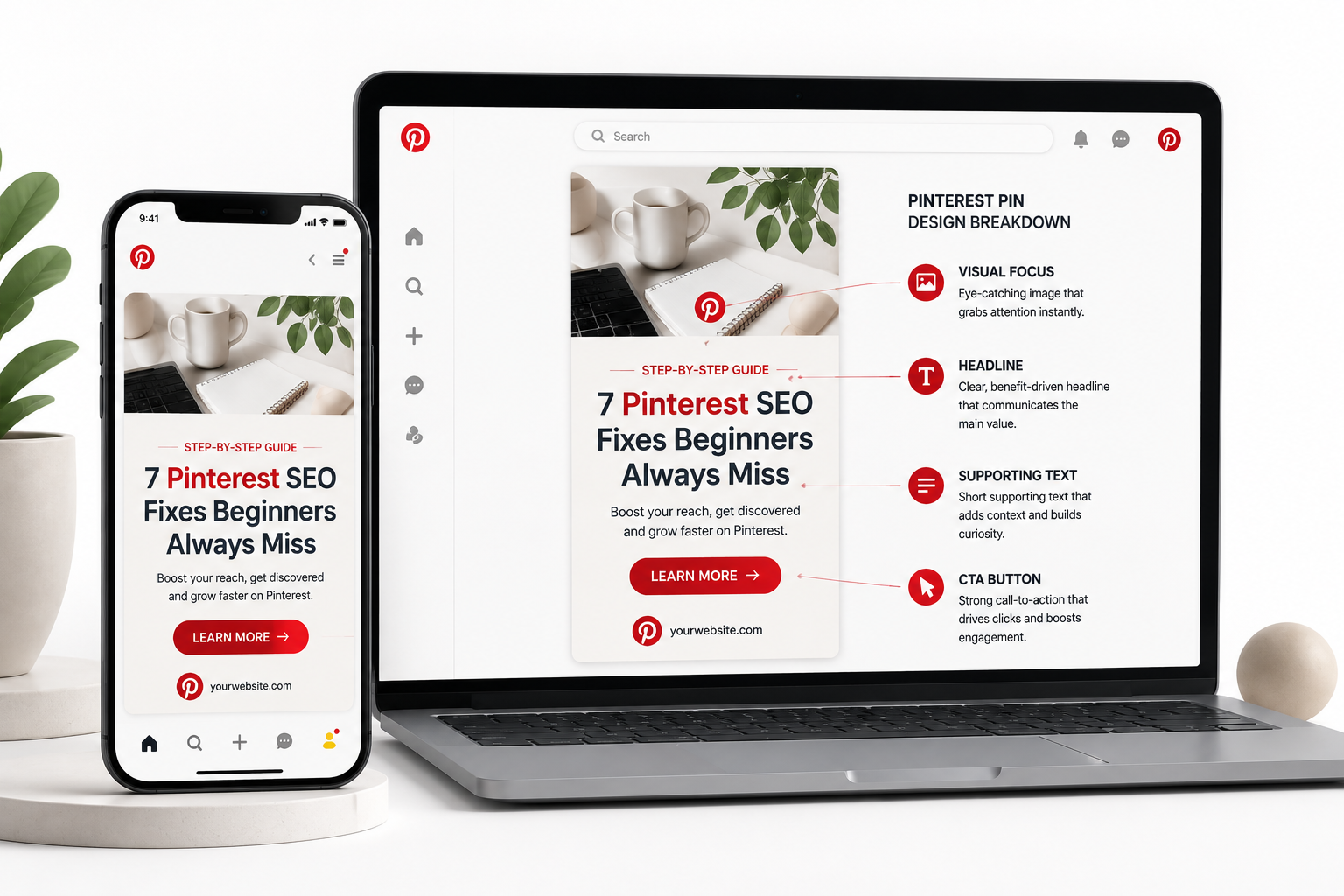
7 Pinterest SEO Fixes For Beginners
Simple improvements to help your account become easier to discover.
Main Headline
Use the largest text element for the main promise users should notice first.
Supporting Details
Keep secondary information smaller so it supports rather than competes.
Strong Contrast
Use readable combinations. Avoid dark text on dark backgrounds or light text on light backgrounds.
Write Pinterest Headlines That Encourage Clicks
A strong Pinterest headline quickly explains the value of your content. Avoid generic phrases and create specific, accurate promises that match what users will find after clicking.
Pinterest Pins That Get Clicks do not rely on vague headlines. They use specific wording that explains the value, audience, and reason to continue reading.
Be Specific
Tell users exactly what they will learn, see, or get.
Highlight The Benefit
Focus on the result or solution instead of a vague topic.
Keep It Accurate
Never promise results that the destination page cannot provide.
Pinterest Tips
Too broad and does not explain the reason to click.
7 Pinterest SEO Fixes For A New Business Account
Specific topic with a clear audience and useful promise.
Get 10,000 Followers Overnight
Avoid unrealistic claims or guaranteed results.
Choose Images That Support The Topic
A Pinterest Pin should communicate the topic quickly. The best visuals help users understand what they will discover after clicking instead of creating confusion with unrelated decoration.
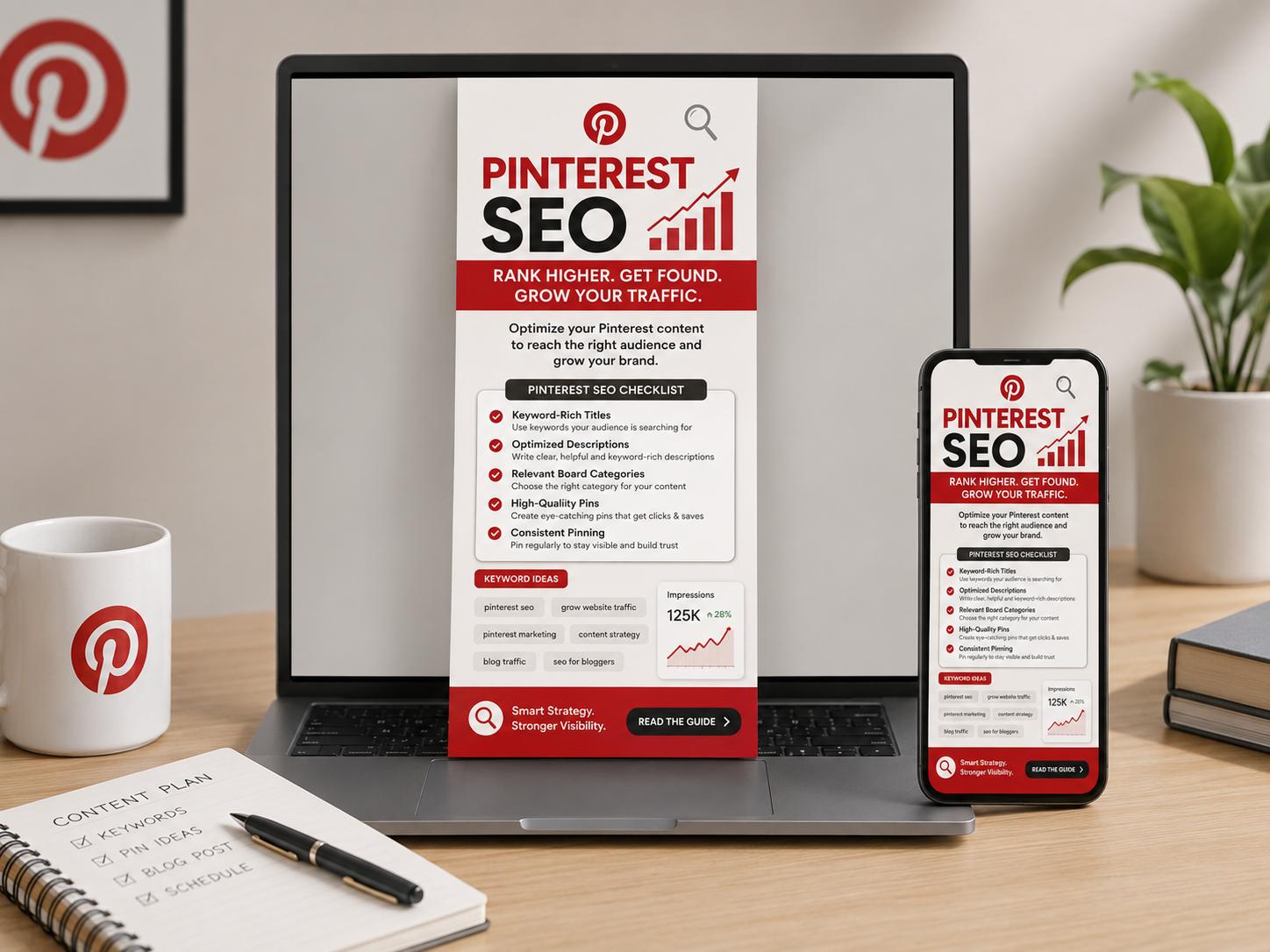
Pinterest SEO Checklist
The image supports the topic and matches user expectations.
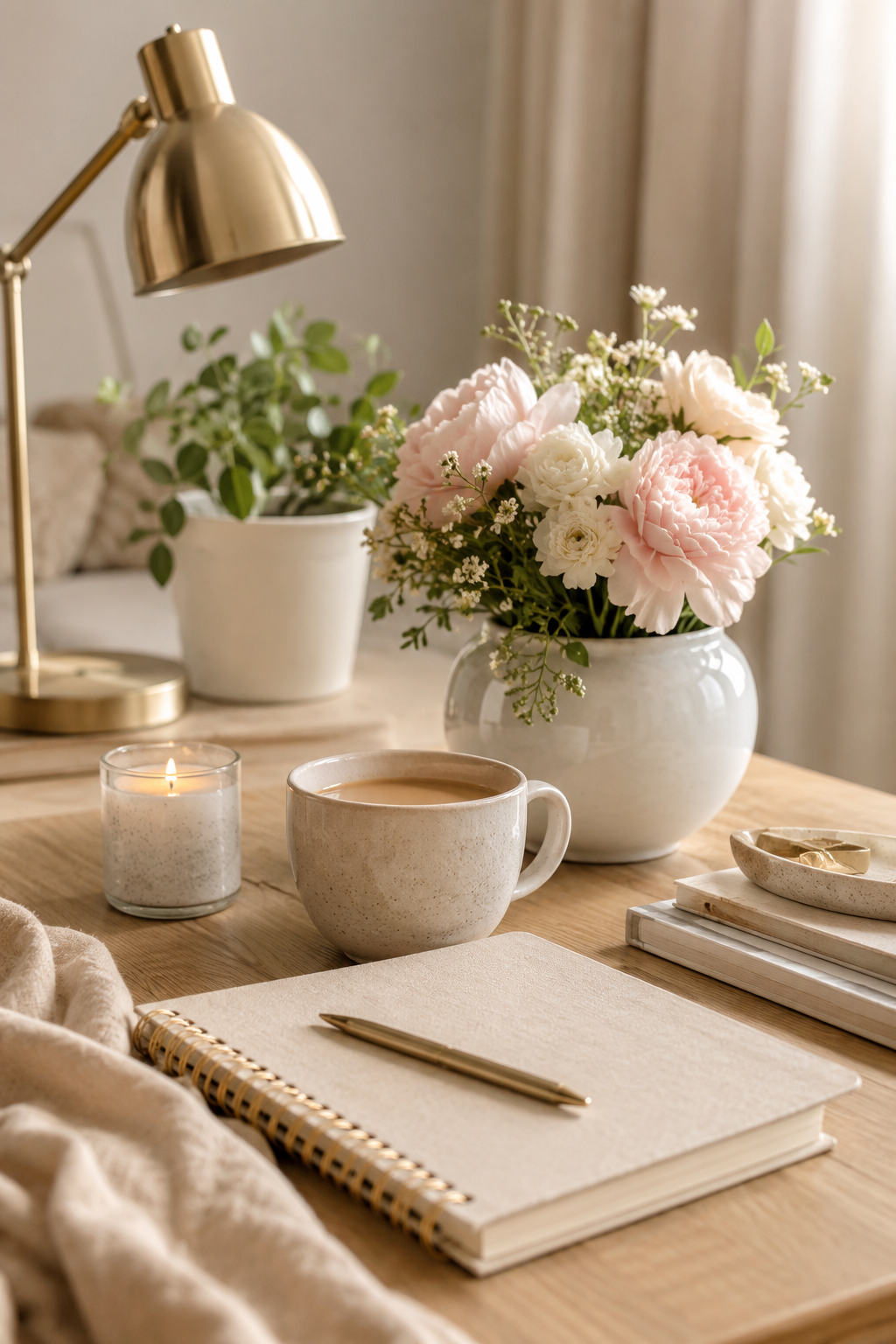
Generic Lifestyle Photo
Attractive but does not explain the content or user benefit.
Match The Search Intent
Use visuals that help users immediately understand the topic.
Use Original Examples
Screenshots, product images, and custom graphics can add more context.
Avoid Decorative Confusion
Do not use images that make the Pin message unclear.
Make The Next Action Obvious Without Being Aggressive
A Pinterest Pin should guide users toward the next useful step. A clear call to action explains what happens after the click without creating pressure or making unrealistic promises.
Read The Complete Guide
A natural action that matches the user’s interest.
Click Now And Get Instant Results
Creates pressure and makes unsupported promises.
Pin Promise
The headline explains what users will discover.
Clear Action
The CTA tells users the next helpful step.
Matching Destination
The landing page continues the same promise.
Test Creative Angles Instead Of Random Designs
Effective Pinterest testing is not about changing small details randomly. Test different ideas, messages, and audience angles to understand what actually connects with users.
Explore official Pinterest business resources for creative insights, content performance, and best practices.
Visit Pinterest Business →Headline Angle
Compare different ways of presenting the same topic and benefit.
Visual Style
Test screenshots, graphics, photography, and different layouts.
Audience Focus
Create variations for different user needs and interests.
Pinterest SEO Tips
General educational angle
7 Pinterest SEO Fixes For Beginners
Specific problem-solving angle
Keep Your Pinterest Pins Easy To Read
A click-worthy Pin should also be easy to understand. Clear text, strong contrast, simple layouts, and accurate descriptions help more users interact with your content.
Use Strong Contrast
Make sure text remains visible by avoiding dark text on dark backgrounds or light text on light backgrounds.
Keep Text Readable
Use clear fonts and enough size so users can understand the message quickly on mobile screens.
Avoid Overcrowded Designs
Remove unnecessary elements so the main idea remains easy to notice.
Add Accurate Alt Text
Describe website images clearly so search engines and assistive technologies understand the content.
Small Text + Low Contrast
Users may struggle to understand the message quickly.
Clear Text + Strong Contrast
The main message is visible and easy to understand.
Connect Your Pin With The Right Destination
A successful click does not end with the Pin. The destination page should continue the same promise and give users the information they expected to find.
Pinterest Search
Users discover your content while looking for ideas.
Your Pin
The headline and visual explain the value clearly.
Website Page
The destination continues the same topic and promise.
Useful Action
Visitors read, subscribe, compare, or complete the next step.
Measure Pin Performance And Improve Future Designs
Successful Pinterest marketing requires learning from results. Review clicks, saves, impressions, and audience behavior to understand which creative ideas perform better.
24.8K
People reached
1,240
Content interest
860
Website visits
Test → Analyze → Improve
Use performance data to understand which headlines, visuals, and topics create better engagement instead of guessing.
Common Pinterest Pin Design Mistakes
Small design decisions can affect whether users understand your Pin and decide to click. Avoid these common problems to create clearer and more useful content.
Too Much Text
Crowded Pins make it difficult for users to understand the main message quickly.
Focus On One Clear Message
Use a strong headline and remove unnecessary information.
Low Contrast Design
Weak color combinations make text difficult to read on mobile screens.
Improve Readability
Use clear text and background combinations with enough contrast.
Misleading Headlines
Promises that do not match the destination create poor user experience.
Match The Destination
Make sure your Pin continues the same promise after the click.
Testing Only Colors
Changing small design details does not always reveal what users prefer.
Test New Ideas
Compare different messages, visuals, and audience angles.
Frequently Asked Questions About Pinterest Pins
Find answers to common questions about creating readable, useful, and click-worthy Pinterest Pins.
A clickable Pin combines a clear message, relevant visuals, readable design, and a destination page that continues the same promise.
Keep text focused on the main idea. Avoid filling the Pin with too many details that make it difficult to understand while scrolling.
Yes. Use relevant keywords naturally in your Pin title, description, board context, and destination page where they help users understand the topic.
Create fresh Pins when you have new ideas, improved designs, seasonal topics, or different creative angles worth testing.
Low clicks can happen when the headline, visual, or destination does not give users a strong reason to continue. Review your Pin promise and user intent.
Improve Your Pinterest Strategy With Better Content Decisions
Create Pins with stronger messages, clearer designs, and data-based improvements that help your content connect with the right audience.Creating Pinterest Pins That Get Clicks requires testing different ideas, improving designs, and learning what your audience responds to.